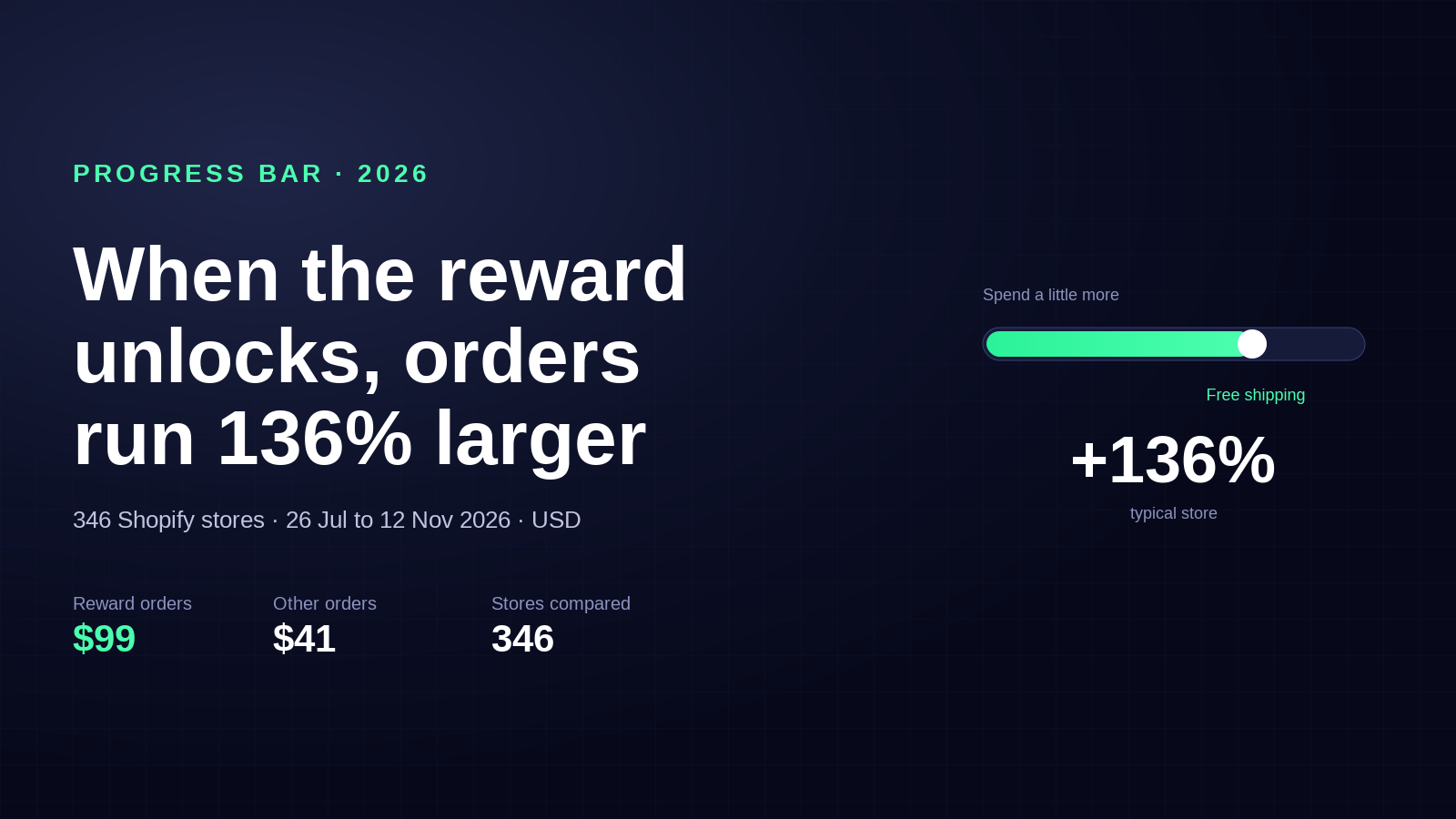
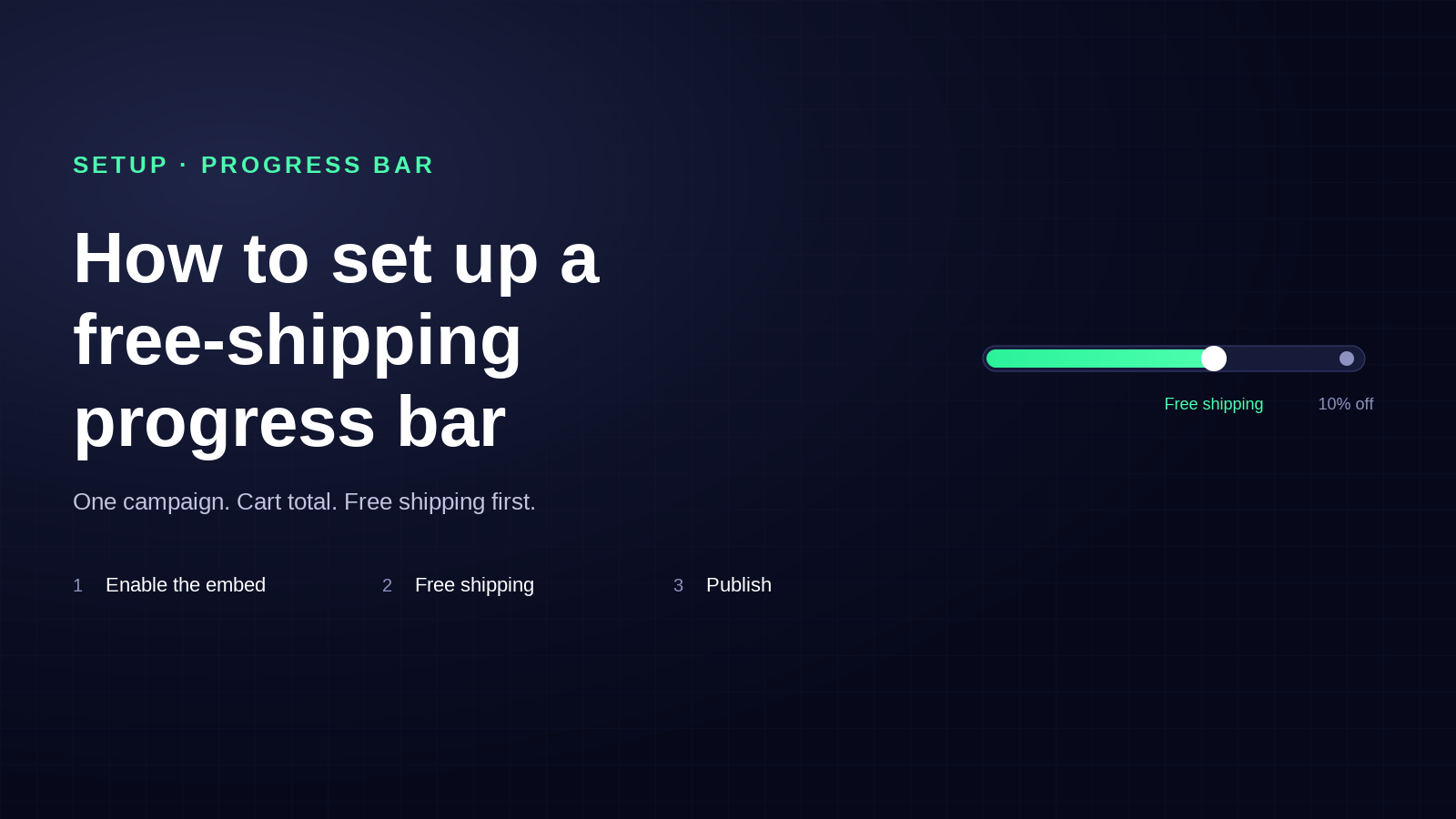
A first progress bar campaign has one job: show shoppers how close their cart is to free shipping. It is the most common starting point for a reason. On stores using Turbo Progress Bar, free shipping is the reward on 76% of orders that unlock anything, and 64% of stores make it their first reward. This guide sets it up in three steps, then covers the one decision that matters most: where to put the goal.
Step 1: Enable the app embed
Open the app in Shopify admin and follow the setup guide's first step, Enable app embed. This adds the bar to your theme. Until it is on, nothing shows on your store, however many campaigns you save.
The one embed covers all three places the bar appears: the product page, the cart drawer, and the cart page. A new campaign shows in all three by default, and you can switch any of them off in the campaign. If your theme puts the bar somewhere awkward, add the Progress Bar Custom App block in the theme editor and position it by hand.
Step 2: Create a campaign with free shipping first
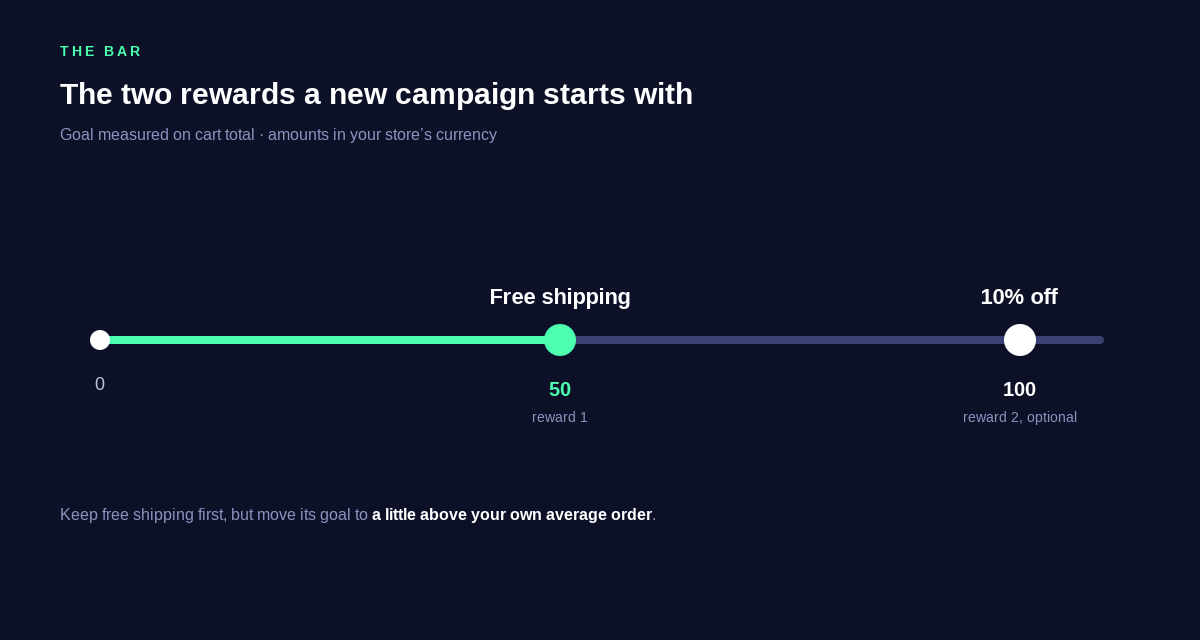
Create a campaign and leave the goal measured on cart total, which is the default. The app fills in two rewards for you:
- Free shipping at 50, with the progress message "Spend {{amount}} to get Free Shipping!". The app replaces {{amount}} with what is left to spend. Keep this reward, but change the goal amount using the next section.
- 10% off at 100, with "Spend {{amount}} to get 10% off!". This one is optional. Remove it if a discount on top of free shipping is more than your margin allows.
Then choose which delivery methods the free shipping covers. There are three options:
- All delivery methods: every rate, including express and overnight, becomes free. This is the default.
- Up to the cheapest delivery method: the cheapest paid option becomes free, and pricier options are discounted by the same amount. Pick this if you offer expensive express shipping and don't want to give it away.
- Only the delivery methods I choose: pick specific rates from your Shopify shipping settings.
You don't need to create a Shopify discount yourself. The app applies free shipping at checkout once the goal is reached. If you already run your own free-shipping discount and want to keep it, tick "I will create free shipping discount myself" so the two don't overlap.
Skip free gifts on the first campaign. A gift reward needs a gift product picked before you can save, and it is the less common reward: 14% of reward orders, against 76% for free shipping.
Where to put the free-shipping goal
The default of 50 is a placeholder, not a recommendation. The goal should sit relative to your average order, and the data shows why.
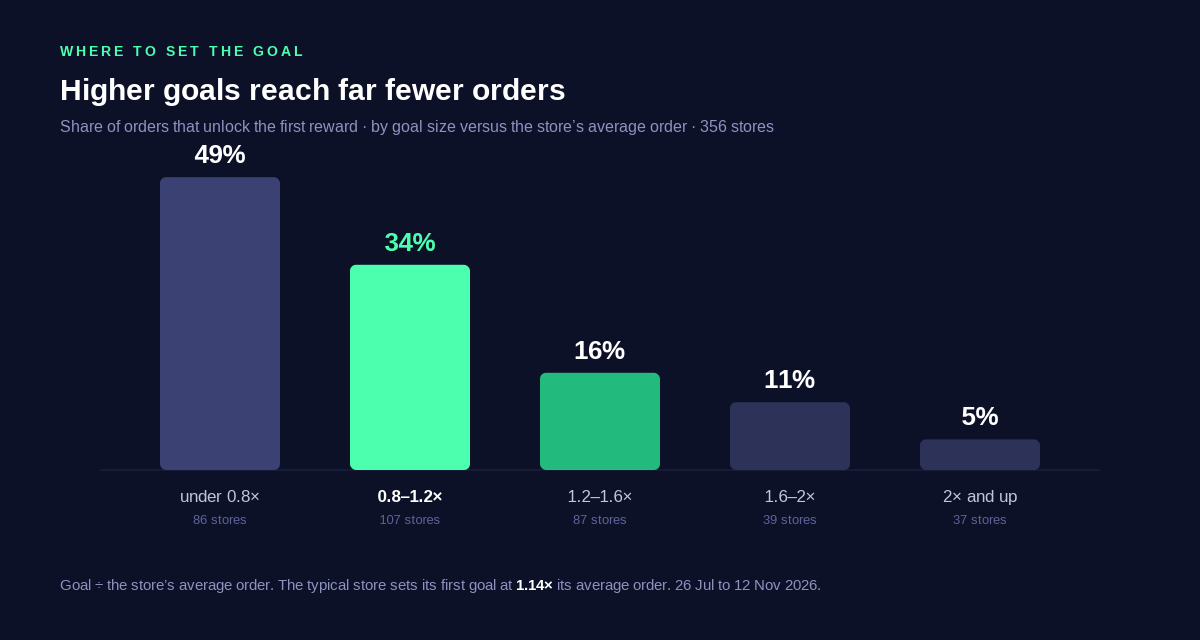
Across 356 stores with a live cart-total goal, the typical store sets its first goal at 1.14 times its average order. Where the goal sits decides how many shoppers ever reach it:
- Goal near the average order (0.8 to 1.2 times): about a third of orders unlock it.
- 1.2 to 1.6 times: about 1 in 6.
- Twice the average order or more: about 1 in 20. For most shoppers the bar is out of reach.
A goal below your average order has the opposite problem: half your orders get free shipping without adding anything. A practical starting point is 10 to 30% above your average order, which you can find in Shopify admin under Analytics. If your average order is 60, try a goal around 70 to 75.
Step 3: Publish, then check the store
New campaigns start as drafts, and a draft is never shown to shoppers. Publish the campaign, then open a product page, the cart drawer, and the cart page on your store. You should see the bar, the amount left, and free shipping as the next reward. If nothing appears anywhere, the app embed from step 1 is still off.
That is the whole basic setup: embed on, one campaign on cart total, free shipping first with a goal just above your average order, published. Add gifts, quantity goals, or more tiers once this one has a few weeks of orders behind it. To see whether it is working, our analysis of 555,000 orders explains what to look for.
Frequently asked questions
Where does the progress bar show?
On the product page, in the cart drawer, and on the cart page, once the app embed is enabled. Each campaign can switch any of the three off.
What should the free-shipping goal be?
A little above your average order: 10 to 30% higher is a good start. The typical store sets it at 1.14 times its average order. At twice the average order, only about 1 in 20 orders reaches the goal.
Do I need to create a free shipping discount in Shopify?
No. The app applies free shipping at checkout when the goal is reached. Only tick "I will create free shipping discount myself" if you want to manage that discount on your own.
Will express shipping become free too?
By default, yes: free shipping covers all delivery methods. Switch to "Up to the cheapest delivery method" to make only the cheapest option free.
Should the first campaign include a free gift?
Start with free shipping. A gift needs a gift product selected before you can save, and free shipping is what most reward orders unlock.
Does saving the campaign make it live?
No. New campaigns are drafts until you publish them.